
TLDR
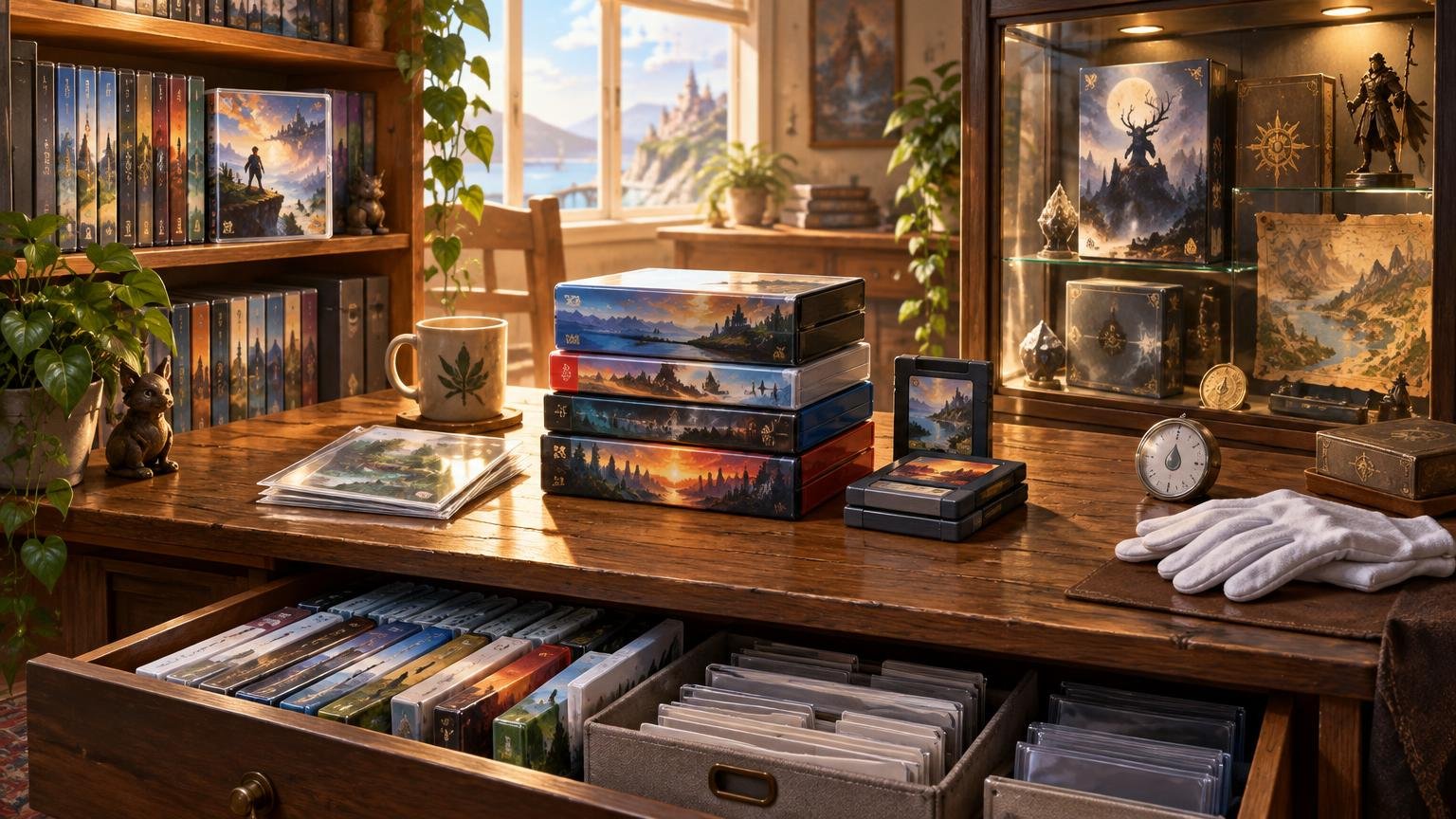
Good physical game collection storage starts by deciding what each part of the collection is for. Keep frequently played games easy to reach, display a curated selection away from direct sunlight, and place archival or overflow material in stable, enclosed storage. Preserve original cases and inserts separately if compact holders make daily play easier. Most importantly, organize by retrieval rather than appearance alone: a beautiful wall of games is less useful when one oversized collector’s edition forces an archaeological expedition.
The central conflict in physical game collection storage is not shelves versus bins. It is access versus display versus space. Open shelving makes games visible and playable but exposes them to more light and dust. Enclosed storage reduces those exposures but can make browsing slower. Compact holders save enormous amounts of room, yet detach the playable media from the packaging that identifies and completes it.
The best setup is usually hybrid. Treat the collection as several smaller libraries with different jobs instead of forcing every disc, cartridge, manual, and novelty steelbook into one uniform system.
Define what the collection needs to do
Before buying furniture or containers, rank your priorities. A working library should optimize for quick retrieval. A display collection should emphasize visibility and presentation. A complete-in-box collection needs room for packaging and inserts. An overflow collection mainly needs stable conditions, clear labels, and protection from being crushed or forgotten.
- Access: How quickly should you be able to find and play a title?
- Display: Which games or editions are worth seeing every day?
- Completeness: Do original cases, manuals, maps, inserts, and outer packaging matter to you?
- Density: How much collection must fit into the available space?
- Care: Which items would be difficult or expensive for you to replace?
These priorities can vary within the same collection. Your current-console games might live on an open shelf, loose handheld cartridges in divided cases, and boxed retro games in an enclosed cabinet. Oversized collector’s editions may need a separate zone simply because their dimensions sabotage otherwise efficient shelving.
Choose physical game collection storage by use case
| Storage approach | Best use | Main tradeoff |
|---|---|---|
| Open shelves | Frequently used cases and curated displays | Fast access, but greater exposure to dust and light |
| Door-front cabinets | Boxed games, steelbooks, and less frequently used items | More separation from the room, but slower browsing |
| Drawers with dividers | Loose cartridges, game cards, controllers, and small accessories | High density, but labels are essential |
| Lidded bins | Overflow, moving, or rarely accessed packaging | Efficient and portable, but poor for casual browsing |
| Compact disc or card holders | An active library in a small room | Saves space but separates media from original packaging |
Open shelves favor use and visibility
Shelves work well when the games are played regularly. Spine-out cases are easy to scan, and reorganizing them requires little effort. The weakness is exposure: open shelves accumulate dust and make it easier for direct sunlight, nearby vents, pets, or accidental impacts to become part of the storage system.
Measure the tallest and deepest cases before choosing shelves. Include box sets, long cardboard packages, and collector’s editions rather than designing around one standardized modern case. Leave some expansion room within each platform section. Otherwise, every new purchase triggers a complete shelf migration, which is the collecting equivalent of moving house because you bought one chair.
Cabinets favor presentation with more separation
A cabinet can preserve the visual appeal of shelving while placing a door between the collection and everyday dust or handling. Solid doors provide more light separation; transparent doors keep games visible but should not be treated as permission to place the cabinet in direct sun.
Furniture safety matters as much as collection organization. Follow the manufacturer’s stated load limits and anchoring instructions, especially with tall units or heavy collector’s editions. Put heavier items lower where practical, and avoid arranging a shelf so tightly that cases must be scraped or bent during removal.
Drawers and bins favor density
Divided drawers are useful for loose cartridges, memory cards, cables, and controllers because each item can have a defined location. Lidded bins are better for overflow packaging, duplicate cases, or a temporary move. Neither system works well without labels. Identify the platform and contents on the outside, then assign each drawer or bin a location code for your catalog.
Avoid storing valuable material directly on a basement, garage, or storage-room floor. Raising containers reduces exposure to minor leaks and makes inspection easier. A lid can block dust and splashes, but it cannot correct a hot, damp, or rapidly changing environment.
Build around a stable environment first
The container is only one layer of preservation. The Library of Congress guidance for audiovisual collections recommends a cool, relatively dry, clean, stable environment and gives roughly 35–40% relative humidity as a home-collection target. It also warns against unstable locations such as attics and basements.
That does not mean every collection requires museum equipment. It means a normal interior room is generally a more sensible starting point than an attic with seasonal heat swings, a damp basement, or a garage. Keep games away from direct sunlight, heating vents, obvious plumbing risks, and exterior areas prone to condensation. If a room regularly feels uncomfortable for people because it is hot, damp, or stale, it is not an appealing retirement home for cardboard and optical media either.
- Choose a clean interior location with relatively stable temperature and humidity.
- Keep shelving and containers out of direct sunlight.
- Avoid floor-level storage where leaks or flooding are plausible.
- Inspect stored material periodically rather than sealing it away indefinitely.
- Address the room’s moisture or heat problem instead of expecting a plastic bin to solve it.
Store each format according to its actual vulnerabilities
Optical discs
Handle an optical disc by its outer edge and center hole rather than touching the data surfaces. The Library of Congress also recommends limiting intense or direct light, keeping discs in cases that secure them at the center hub, and storing optical-disc formats upright. Loose stacks and sleeves that allow discs to rub against debris trade a little space efficiency for more handling risk.
Inspect original cases for broken hubs. A case is not protective if the disc rattles around inside it. When replacing a damaged case, retain original cover art and inserts if completeness matters to you.
Cartridges and game cards
Loose cartridges and modern game cards benefit from format-appropriate holders that prevent them from knocking together and make individual titles easy to remove. Do not assume one universal rule applies to every cartridge generation: shell materials, contacts, label construction, battery-backed components, and packaging vary.
Nintendo instructs users to remove Switch game cards from the HOME Menu or while the system is powered off. Its Switch 2 Game-Key Card guidance also cautions against prolonged storage next to magnets or magnetic objects. That magnet warning should be treated as specific manufacturer guidance, not converted into a sweeping claim about every cartridge ever produced.
Cardboard boxes, manuals, maps, and inserts
Paper components often determine how much space a complete collection needs. Keep them clean, supported, and free from crushing pressure. Avoid forcing thick manuals or maps into a case when they no longer fit comfortably. If you move playable media into compact holders, assign the original packaging a labeled storage location rather than discarding it impulsively.
Collectors interested in older hardware presentation should also remember that storage and play setup are separate systems. A boxed console can be well organized while the connected hardware requires its own decisions about cables, adapters, and displays; our guide to retro games on CRTs versus modern displays examines that side of the ownership problem.
Compact holders save space but create a split collection
A disc wallet or cartridge holder can turn several shelves into one portable active library. The cost is informational and physical separation. Cover art, platform labels, manuals, and edition details remain elsewhere, while the playable object becomes a row of nearly identical discs or tiny cards.
The practical compromise is to keep frequently played media in a compact holder while retaining its original packaging in numbered bins or cabinets. Record both locations in the catalog. For example, a title can have “media: case A, slot 14” and “packaging: cabinet 2, shelf C.” This adds administrative work, but it preserves compact access without making the original materials disappear.
Before throwing out cases, ask whether the saved space is worth making the decision irreversible. Replacement packaging may be difficult to match later, especially when artwork, manuals, registration cards, maps, or unusual inserts were edition-specific.
Modern physical games can still depend on digital infrastructure
A physical object is not always a self-contained copy of everything associated with a game. Depending on the release, the package may hold a conventional disc or game card, media requiring installation, a key that initiates a download, or only a download code. Updates, downloadable content, save data, and installed game files can also live separately from the package.
Sony’s PS5 support guidance describes disc-based games as being installed after the disc is inserted. A shelf of PS5 discs therefore does not eliminate console-storage management; the disc and installed data perform different jobs.
Nintendo says Switch 2 Game-Key Cards do not contain the full game data. They require an initial download and sufficient system or microSD Express storage, and the card must remain inserted to play. For a collector, that distinction belongs in the catalog because “physical package present” does not necessarily mean “complete game data present on the card.” Platform requirements can change, so current manufacturer support information should be checked when planning long-term access.
A useful catalog field is therefore “media type,” with entries such as full disc, full game card, Game-Key Card, download code, or unknown. Add notes for required downloads, installed expansions, and account-linked content where known. This will not guarantee future playability, but it makes the collection’s dependencies visible instead of hiding them behind identical plastic cases.
Catalog for retrieval, not just inventory
A catalog becomes valuable when it answers “Where is it?” and “What exactly do I own?” Record enough information to distinguish editions and locate every component without opening several bins.
- Title, platform, region, and edition
- Media type and whether substantial downloads are required
- Condition and completeness of disc, cartridge, case, manual, and inserts
- Physical location code for media and packaging
- Oversized accessories or collector’s-edition components stored elsewhere
- Purchase details you want for personal records
- Clear photographs of the item and its included contents
Use location codes that describe real places, such as CAB-2-C for cabinet two, shelf C. Do not encode a title’s name into the location, because locations can survive future alphabetizing and platform reorganizations. The goal is to find the object after six months without relying on a vivid memory of “the safe place” where you put it.
A practical setup checklist
- Separate active games, display pieces, complete packaging, and overflow.
- Group items by platform and case size, then measure the resulting sections.
- Choose stable interior storage away from direct light, vents, and likely water exposure.
- Use hub-secured cases for optical discs and suitable divided holders for loose cards or cartridges.
- Retain and label original packaging when compact holders are used for playable media.
- Confirm furniture load limits and follow its anchoring guidance.
- Create location codes and catalog physical and digital dependencies.
- Leave expansion space and schedule an occasional inspection.
The right system reduces collection friction
Do not optimize the entire collection for a single goal. Put active games where they are easy to browse, reserve display space for items worth seeing, and move low-use packaging into labeled, stable storage. Use compact holders when space matters, but preserve original cases and inserts when you would regret losing completeness.
The next step is simple: divide the collection into active, display, complete, and overflow groups before buying anything. Once each object has a job, the right shelf, cabinet, drawer, or bin becomes much easier to identify—and the collection becomes something you can use rather than a decorative wall that quietly resents being touched.
References
- Care, Handling, and Storage of Audio Visual Materials – Collections Care – (Preservation, Library of Congress)
- How to Insert/Remove Game Cards on Nintendo Switch | Nintendo Support
- Transfer data from a PS4 console or PS5 console to your PS5 console
- Nintendo Switch 2 Game-Key Card Overview | Nintendo Support