
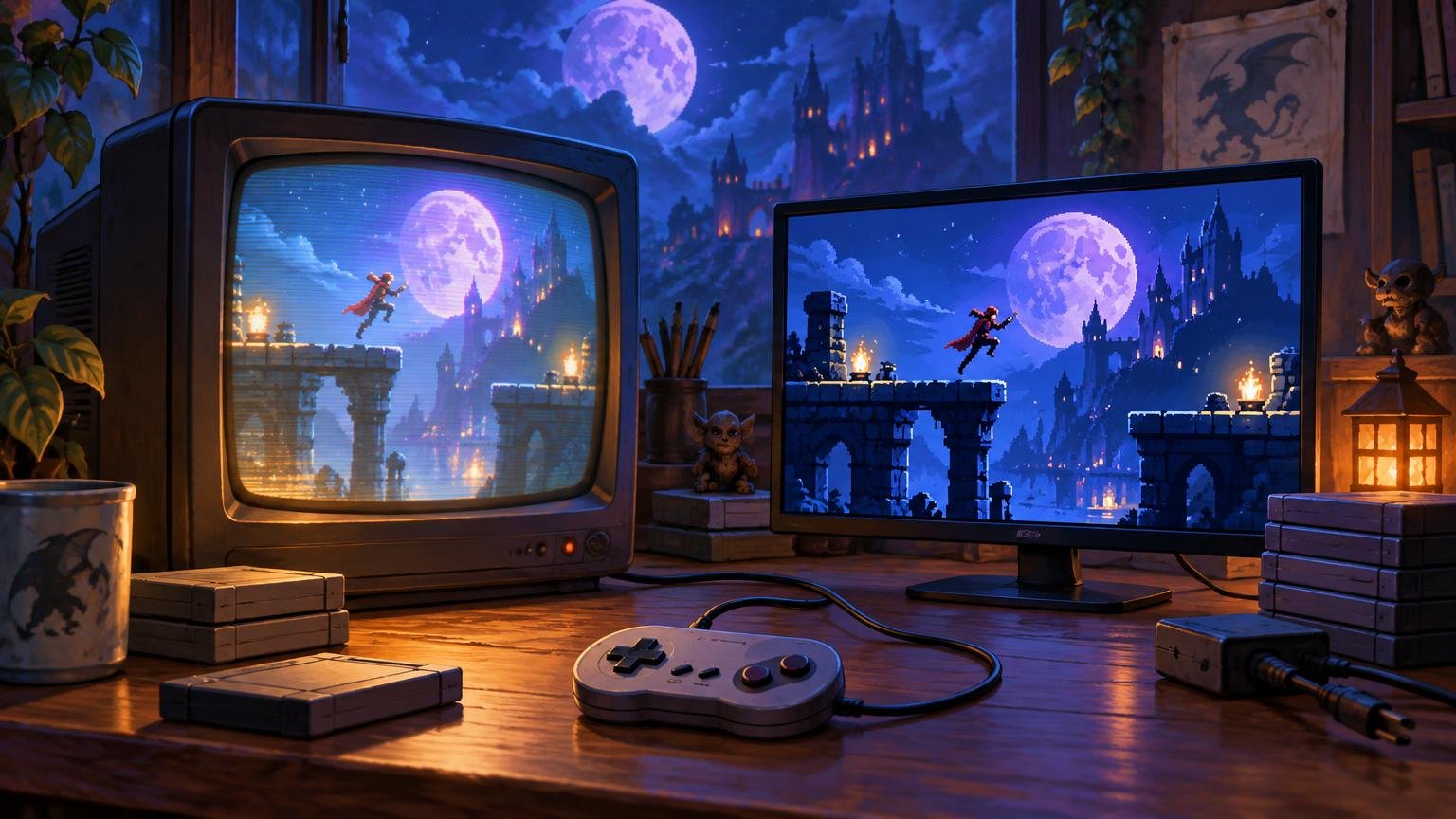
TLDR
The retro game CRT vs modern display decision is not simply authenticity versus convenience. A standard-definition CRT naturally suits the low-resolution analog signals produced by many older consoles. A modern display is easier to accommodate, works with current hardware, and can produce an excellent retro image when paired with appropriate scaling or emulation settings.
Choose a CRT when original hardware and period-appropriate presentation are the point of the setup. Choose a modern display for a mixed collection, compact installation, or low-maintenance daily use. If you emulate games, a modern display with integer scaling and a carefully chosen CRT shader is a practical third path—but it simulates selected visual traits rather than turning a flat panel into a tube.
What actually changes between a retro game CRT and modern display?
Older game graphics were not created in isolation from their display technology. Console output, analog connections, television processing, phosphor behavior, scanlines, and the softness of the signal all contributed to the final picture. Pixel art viewed as a perfectly sharp grid on a modern panel can therefore reveal hard edges, dithering patterns, and uneven curves that were less conspicuous in its original environment.
That does not mean every old game was secretly designed to look blurry. It means the image reaching the player was the product of a chain. Changing the last component in that chain changes the result, even when the game data remains identical.
Modern displays introduce a different chain: analog-to-digital conversion when required, deinterlacing, scaling to the panel’s native resolution, aspect-ratio handling, image enhancement, and sometimes frame buffering. The quality and delay of those operations depend on the specific television, monitor, adapter, and settings. “Flat panel” is not one predictable behavior; LCD, OLED, and Mini-LED products should not be treated as interchangeable.
Why 240p and 480i matter
Many discussions about retro displays become confusing because 240p and 480i get described merely as “low resolution.” The distinction is more important than that. In simplified terms, 240p presents each low-resolution frame progressively, while 480i divides an interlaced image into alternating fields. Older systems may use one or both, sometimes switching between them inside the same game. ConsoleMods’ explanation of 240p provides a useful technical introduction and also covers common analog connections such as composite, S-Video, RGB, and component video.
A compatible CRT can display these legacy signals as part of its normal operating environment. A modern fixed-pixel panel has to convert and scale them. It may also need to determine whether an incoming signal is progressive or interlaced. That is why the electronics between the console and screen matter almost as much as the screen itself.
Aspect ratio is another part of the presentation. Many games from the standard-definition console era were intended for a 4:3 screen, although exceptions and later widescreen modes exist. Stretching every source to fill a 16:9 panel does not reveal extra scenery; it usually changes the geometry of what is already there. Preserving the intended aspect ratio is one of the easiest improvements to make on a modern display.
Where a CRT earns its space
A standard-definition CRT makes the strongest case when a setup revolves around original consoles that output low-resolution analog video. It removes the need to reinterpret those signals for a fixed pixel grid and preserves visual features associated with the original display environment: scanline structure, analog blending, natural softness, and the particular way bright and dark areas interact on the tube.
This can change how pixel art reads. Dithered patterns may blend more readily, curves can appear less staircase-like, and sprites can feel more cohesive than they do under nearest-neighbor enlargement. These are presentation differences, not proof that one picture is objectively correct for every player. Someone restoring a childhood console station may value them highly; someone who wants crisp individual pixels may prefer the modern rendering.
The phrase “CRTs have no lag” is too blunt to guide a purchase. Input delay, pixel response, motion persistence, signal conversion, deinterlacing, and game-side latency are separate concepts. A display can be quick to begin changing a pixel yet still present moving imagery differently from another display. Conversely, a modern gaming monitor may handle a digital source efficiently while an unsuitable converter creates trouble before the signal reaches it. Evaluate the complete path rather than assigning one magical latency number to an entire display category.
What a modern display adds
The great advantage of a modern display is flexibility. One screen can serve current consoles, a PC, streaming devices, emulators, and older hardware routed through suitable equipment. It is also easier to find a modern screen in large sizes, mount it, replace it, and integrate it into an HDMI-based system.
Current HDMI specifications support capabilities far beyond those needed by an original standard-definition console. HDMI Licensing Administrator lists features including 4K at 120 Hz, 8K at 60 Hz, and Variable Refresh Rate for HDMI 2.1b. Those are specification capabilities, not guarantees that every port, cable, television, console, or game implements them. Check the exact model and input when current-platform features matter. See the official HDMI 2.1 feature overview.
A modern panel is usually the more coherent choice for a mixed-generation library. The important caveat is that connecting an old console physically does not guarantee that its signal will be handled well. Convenience at the furniture level can conceal complexity in the signal chain.
A converter and a scaler are not the same solution
A basic converter is primarily concerned with changing one connection or signal form into another. A purpose-built retro scaler is expected to interpret a legacy source, enlarge it for a modern panel, preserve the desired aspect ratio, and provide controls appropriate to old game formats. Products vary, so those labels alone do not establish performance, but the conceptual difference matters.
If a generic adapter treats 240p unexpectedly, applies unwanted smoothing, or relies on slow processing, the result may look or feel wrong even though an image appears. A better setup begins by asking what the console outputs and what the display accepts—not by purchasing whichever small box has the correct sockets on its product photo.
For a modern-display setup, work through these settings before blaming the game:
- Select the display’s game or low-processing mode when available.
- Preserve 4:3 for games designed around that shape rather than forcing the image to fill 16:9.
- Disable sharpening, motion interpolation, noise reduction, and other enhancement features if they distort the intended image.
- Use integer scaling in emulation when it produces a suitable image size and clean pixel structure.
- Verify how the chosen adapter or scaler handles both 240p and 480i if your library uses them.
- Check each input separately because televisions can expose different capabilities or settings by port.
CRT shaders are a useful third path
Emulation gives a modern display access to a different tool: software shaders. CRT shaders can reproduce selected characteristics such as scanlines, phosphor-mask patterns, blur or blending, simulated interlacing, curvature, bloom, and halation. Libretro also notes that integer scaling can improve repeating scanline-style effects. Libretro’s CRT shader documentation explains the major effects and available approaches.
The word “simulate” is doing important work. A shader changes the rendered image. It does not reproduce the physical construction, light output, motion behavior, analog signal path, or viewing characteristics of every real CRT. Nor is there a single canonical CRT appearance: consumer televisions, computer monitors, arcade displays, connection types, adjustments, age, and condition all produced different results.
That flexibility is an advantage rather than a failure. A shader can be tuned for readable scanlines on one display, gentler blending on another, or no curvature at all. It lets the player recover some of the visual logic behind older artwork without accepting the storage and maintenance burden of vintage hardware.
Choose by system and use case
| Setup | Best starting point | Why |
|---|---|---|
| 8-bit and 16-bit original consoles | Standard-definition CRT or modern display with a retro-focused scaler | These systems commonly benefit from careful handling of low-resolution analog output and 4:3 presentation. |
| Later standard-definition consoles | Decide game by game between CRT and modern scaling | Libraries can mix 240p-style content, 480i output, widescreen options, and other modes. |
| HD-era consoles | Modern display in most mixed setups | Digital connectivity and HD output make integration more straightforward, subject to system and display compatibility. |
| PC or software emulation | Modern display with integer scaling and optional shaders | Emulation offers direct control over resolution, scaling, filters, and simulated CRT traits. |
| Modern and retro systems on one screen | Modern display plus appropriate scaler or adapter | One display reduces space and switching friction while retaining access to older hardware. |
| Dedicated original-hardware room | CRT where compatible and serviceable | The display becomes part of recreating the original signal and presentation chain. |
These are starting points, not universal rules. The sixth-generation period in particular resists tidy classification: games and consoles from that era can use several output modes, and regional variants may differ. Confirm the modes supported by the exact console, game, cable, and display.
The hidden cost of CRT ownership is friction
A CRT is not just a visual option. It is a large, heavy, aging electrical appliance that must be found locally or transported carefully, assigned permanent space, and potentially serviced. Condition often matters more than badge prestige. A theoretically desirable model with severe wear or inaccessible inputs may be less useful than an ordinary set in sound condition.
Before collecting one, check what can be assessed safely from the outside:
- Confirm that its inputs match the consoles and cables you intend to use.
- Display a familiar game or test image and look for obvious instability, severe discoloration, geometry problems, or poor focus.
- Check that controls and input selection work, and determine whether a remote is required for important settings.
- Inspect the cabinet, power cord, screen, and connectors for visible damage.
- Measure the route into the room, including doors, stairs, stand depth, and ventilation space.
- Plan transport with enough capable help; do not improvise around the unit’s weight.
- Find out whether qualified service or responsible recycling is available locally before bringing it home.
Do not treat a CRT as a casual first electronics-repair project. If internal work is required, use a qualified technician rather than relying on a short online teardown. Also research light-gun compatibility separately if it matters to your library; behavior depends on the gun, console, game, signal path, and display technology.
Plan for responsible end of life
In the United States, CRT glass contains lead, and discarded CRTs are generally regulated as hazardous waste under federal rules, with conditions and state-specific requirements. The EPA encourages reuse or repair where practical and recycling when those options are no longer viable. The EPA’s CRT guidance is the appropriate starting point for U.S. owners, followed by state and local waste authorities.
Do not leave an unwanted set at a donation center without confirming that it accepts CRTs, and do not assume ordinary curbside collection is appropriate. Readers outside the United States should consult their own environmental or municipal authority because disposal rules and available programs vary.
Verdict: match the display to the friction you will tolerate
A CRT is the compelling choice when original low-resolution hardware, analog connections, and period-appropriate image formation are central to the hobby. Its appeal goes beyond nostalgia because the display participates in how the image is constructed. The price is physical bulk, aging hardware, limited availability, and an eventual disposal problem.
A modern display is the better default for emulation, current hardware, mixed-generation libraries, larger screen sizes, and easier replacement. Its success with older consoles depends on aspect-ratio settings and the equipment used to convert and scale legacy signals. For emulation, integer scaling and CRT shaders can recover selected visual qualities without pretending to be physically identical to a tube.
The practical next step is to inventory your systems by output type. If most of them are low-resolution analog consoles and reproducing their original presentation is the project, investigate a healthy compatible CRT. If the collection crosses several generations—or the screen must also serve everyday modern hardware—start with a modern display and put the careful thinking into the scaler, settings, and shader profile instead.